


Regression suites, written for you
Your AI QA employee writes and looks after a test suite for every area of your app. Each test creates its own data, cleans up after itself and leaves a screenshot of every step. Results land in your test case manager.
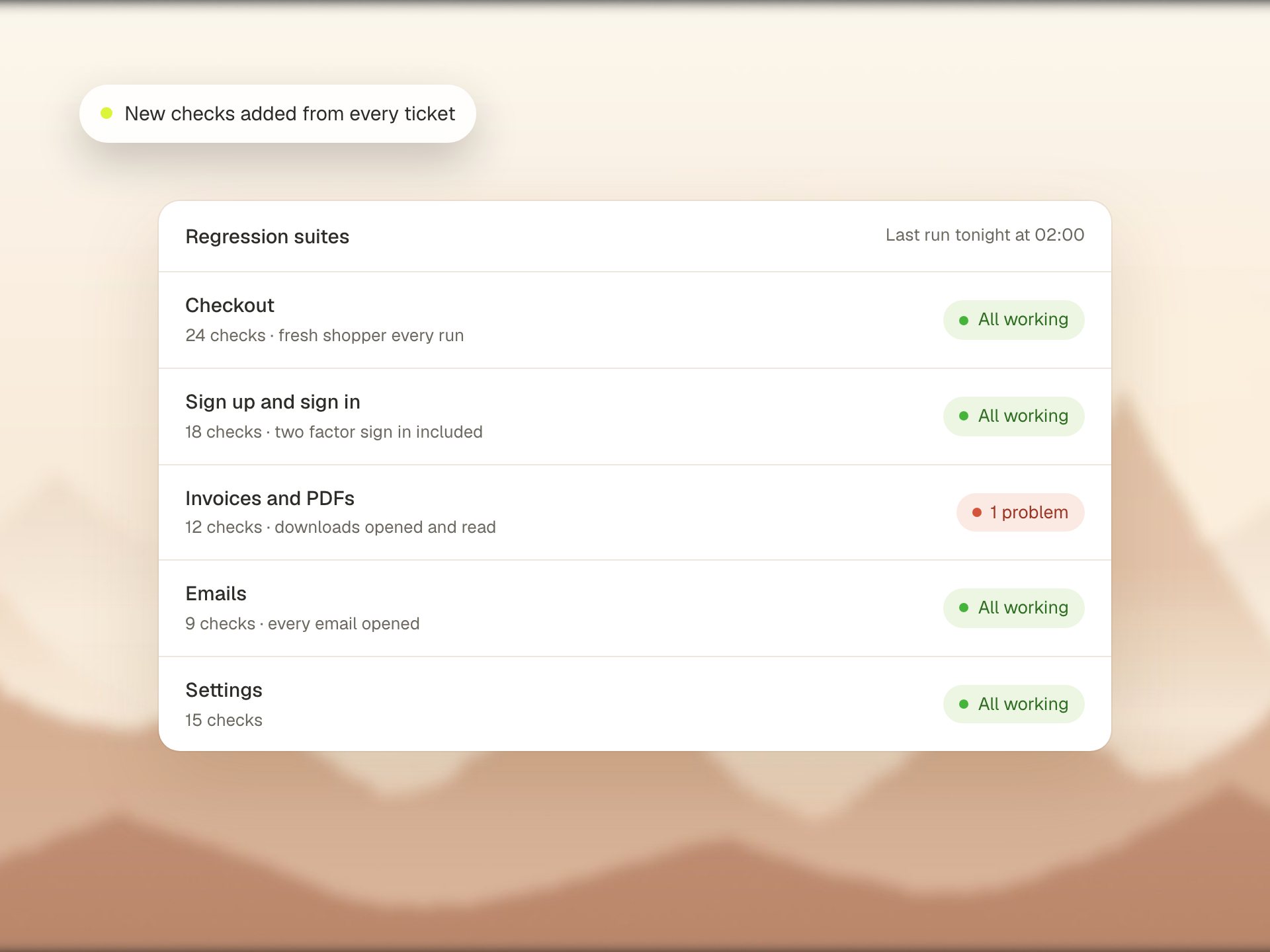
When a test flags a problem, it's your app, not the test
Shared test environments are where most regression suites fall apart. These are built to survive them.
Fresh data every test
Each test creates the records it needs through the same calls your app makes, with unique names. Afterwards everything is removed in reverse order. If the clean up goes wrong, the test reports it.
Logins that never flake
Each user role signs in once through the API before the run. Only one test checks the real login form, so a login hiccup never marks the whole suite as broken.
Hidden errors caught
A watchdog collects error messages, console errors and failed requests during every test. A new error is reported as a problem. Known issues are listed without counting against the test.
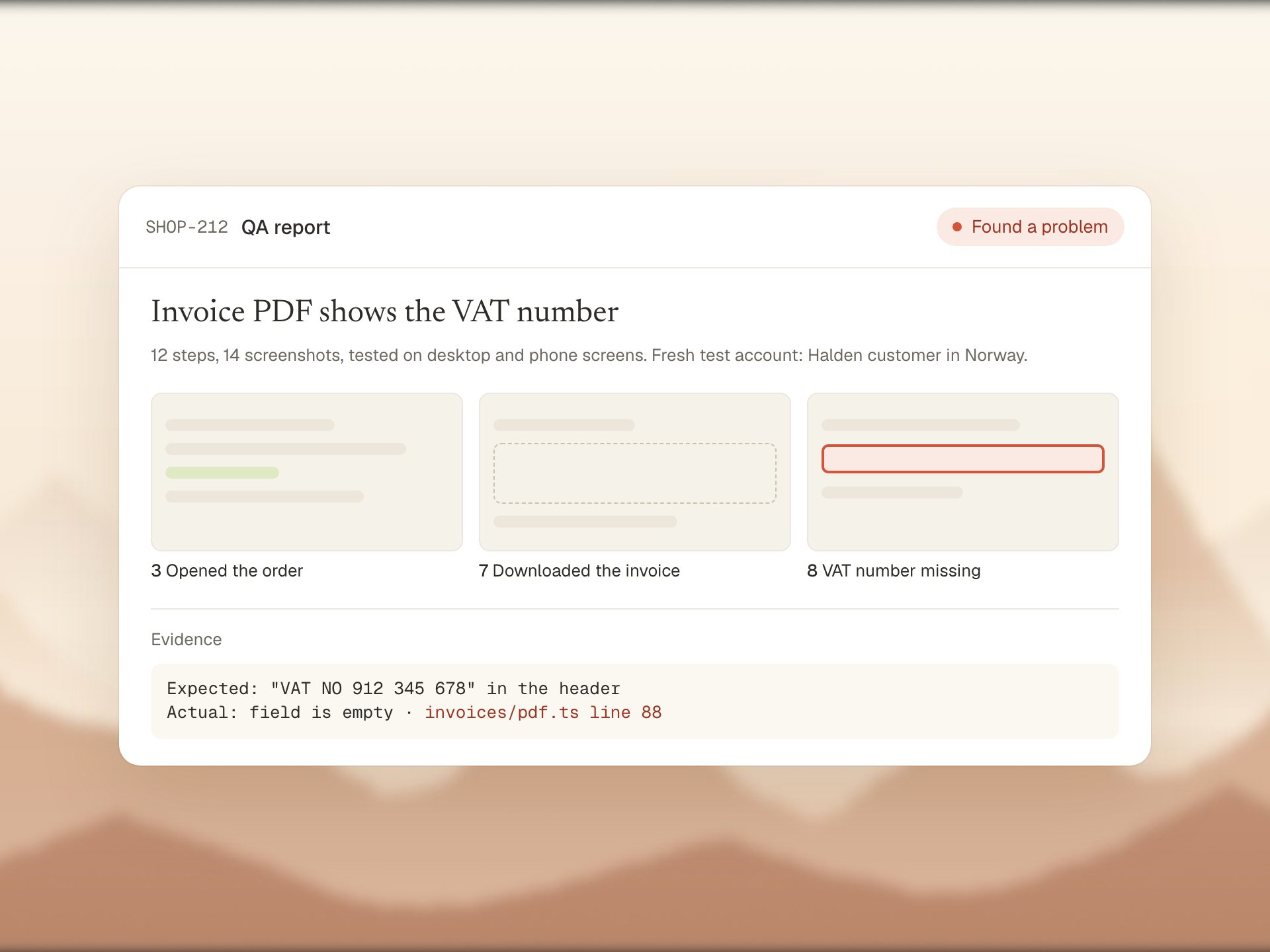
A screenshot after every step
Every step ends with a screenshot, taken only after its checks succeed. In CI every test also keeps a full trace and a video, even the ones that found nothing wrong, so you can see exactly what happened.
- HTML report, JUnit file and a live step log
- Trace and video for every test
- Screenshots attached to each result in your test case manager
Emails, PDFs and downloads checked too
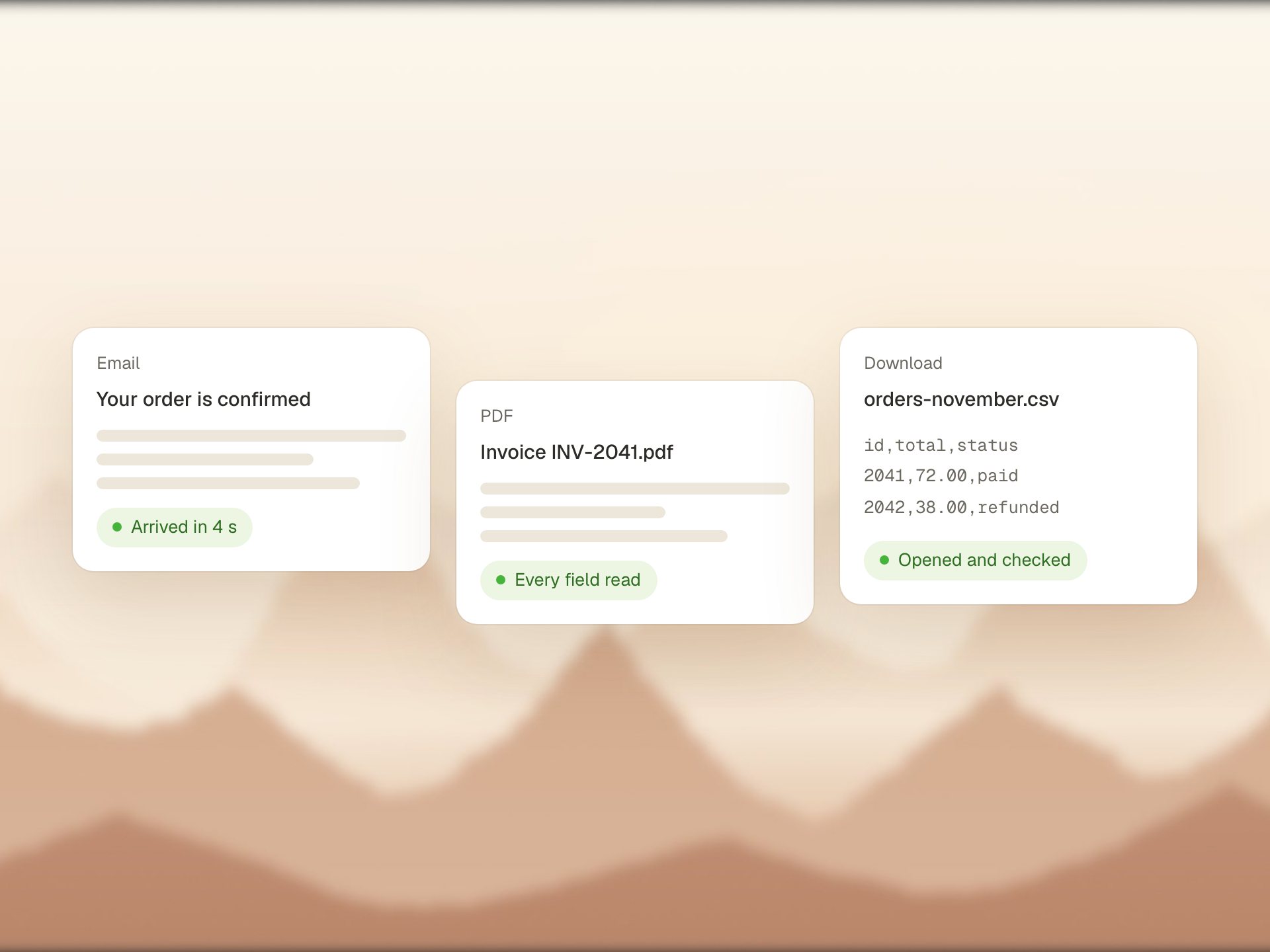
Tests read the emails your app sends, like invites and password resets, using one inbox with a unique address per run. They open printed PDFs, zip exports and CSV downloads and check what is inside, not just that a file appeared.
- Email flows tested from start to finish
- PDF and CSV contents checked
- Skipped cleanly when a mailbox is not set up
More tests, without anyone writing every one
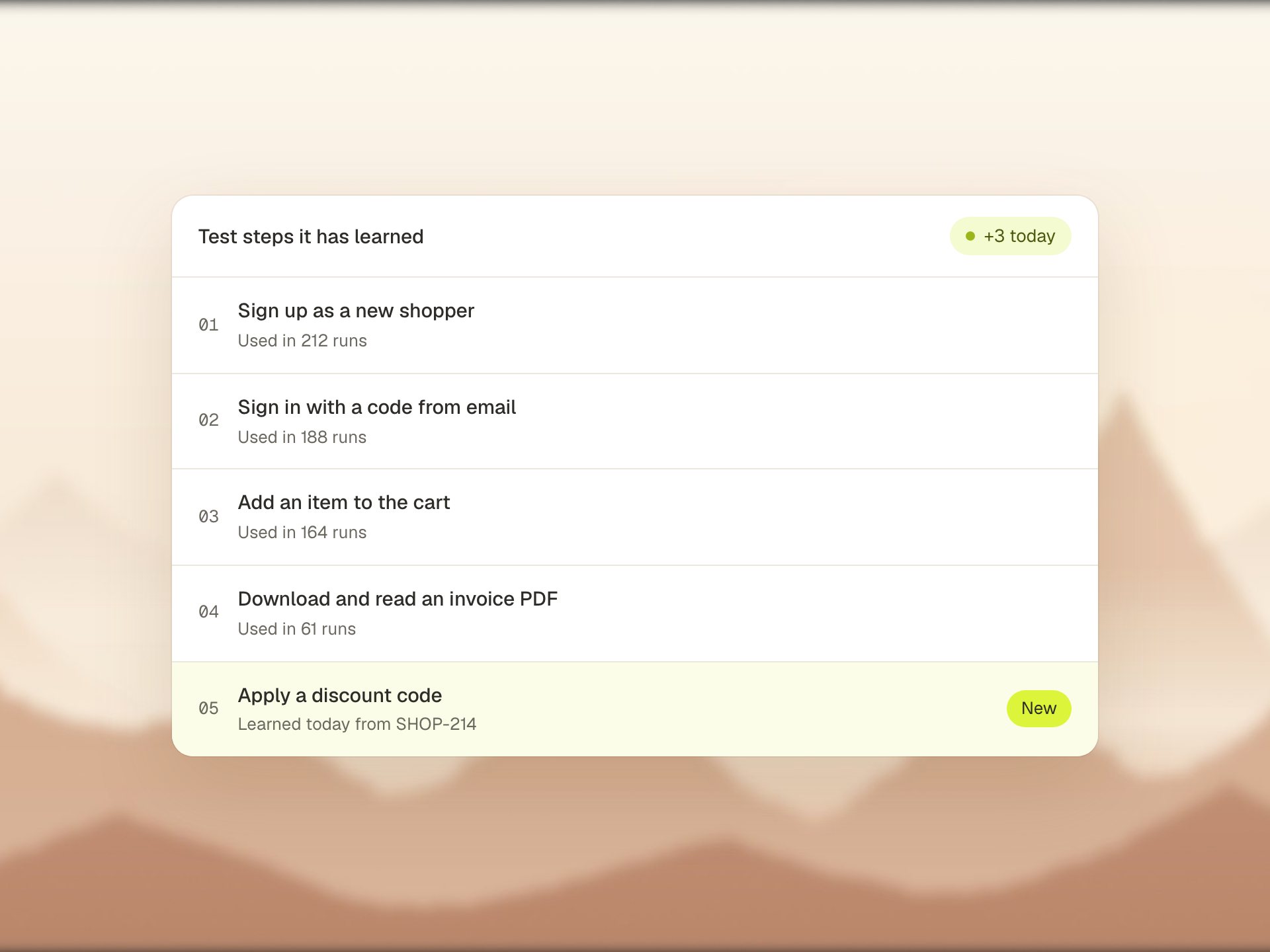
It follows written rules for how tests must look: one flow per test, real data, no shortcuts that hide bugs. New tests only go in once the whole suite runs clean. Each test is linked to its manual test case, so your test plan and your automation stay in step.
- Linked to cases in Qase
- One CI job per app area, plus a full run
- Runs on a schedule or on demand, never blocking a push
Questions
Can our team read and run the tests?
Yes. They are plain test files in your repository, so your team can read, run and change them like any other code.
Where do the tests run?
In your CI, on a schedule or when you start them. We set up one job per area of your app and one job that runs everything.
Do we have to use Qase?
No. Qase, TestRail, Xray, Zephyr and other test managers all work. See the integrations page for the full list.
You build the product.
Your QA employee checks it.
Show us your app. We'll run GreatQA on a real change of yours, live on the call.