


Narrated feature videos from the real app
Turn any feature into a polished video for customers, sales or help articles. The same QA employee that tests your app records the footage with demo data, then it is voiced, scored and edited for you.
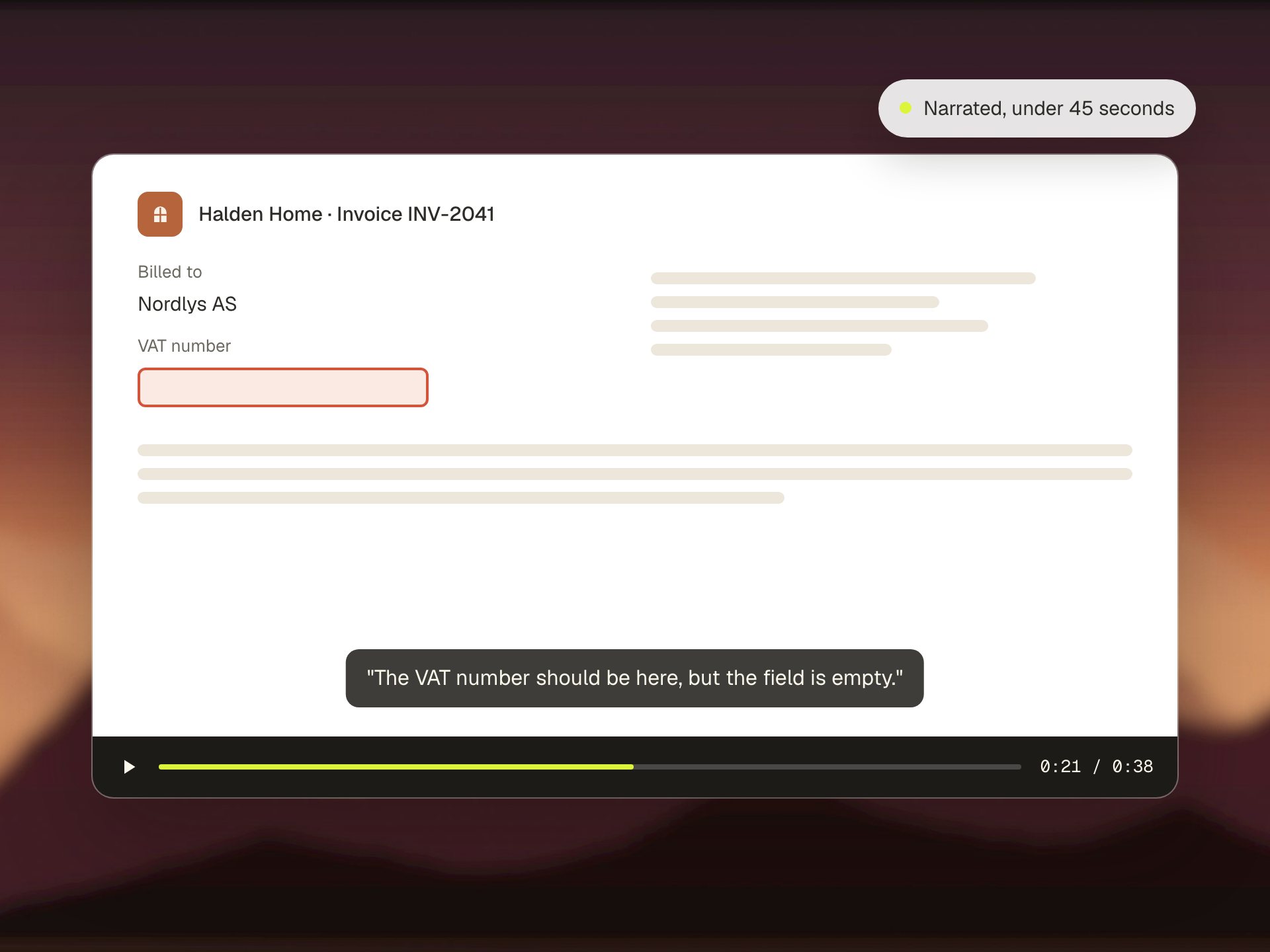
Show what you ship, in your real app
Feature videos
Polished 1080p videos with voice, music and captions, in your colors, fonts and logo.
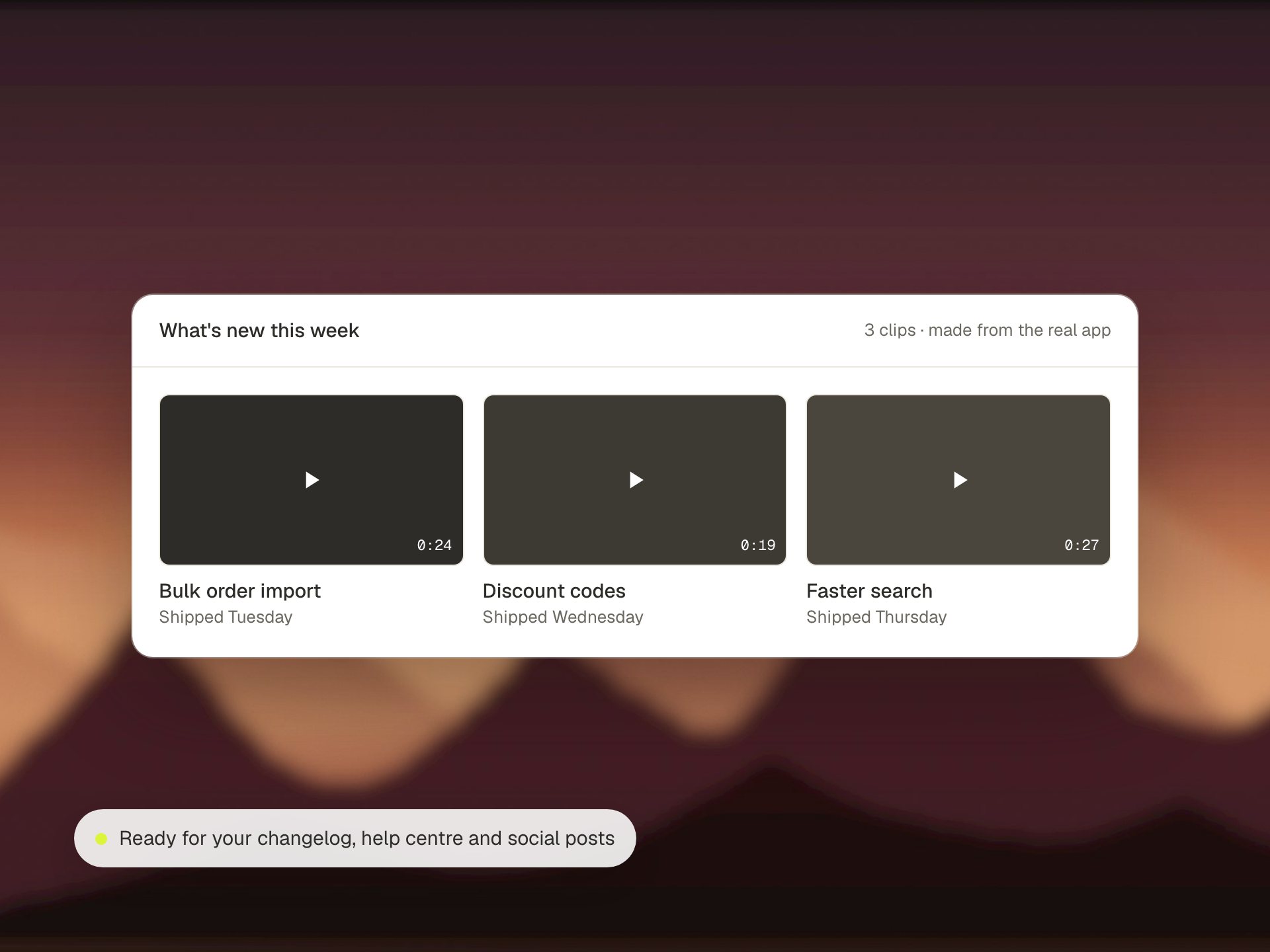
Changelog clips
A short narrated demo of every shipped feature, under 30 seconds.
Safe to share
Recorded with demo names and data, never your customers' data.
From one request to a finished video
Brief
Say which feature and who it is for. It reads the code and writes the script and shot list.
Footage
A fresh demo account is filled with tidy demo data, then every shot is recorded at double resolution, with every click logged.
Voice and music
Narration is recorded and checked word by word, and music is composed for each scene.
Edit
Camera moves follow the logged clicks and the spoken words. Captions are burned in and the result is checked frame by frame.
A short clip of every feature you ship
When a feature ships, your release process sends GreatQA the commit and a short title. It finds the feature in your app and records a narrated walkthrough under 30 seconds, written for customers rather than developers.
- A clean demo account and demo data
- Stored in your file storage, with the link returned for your changelog or release notes
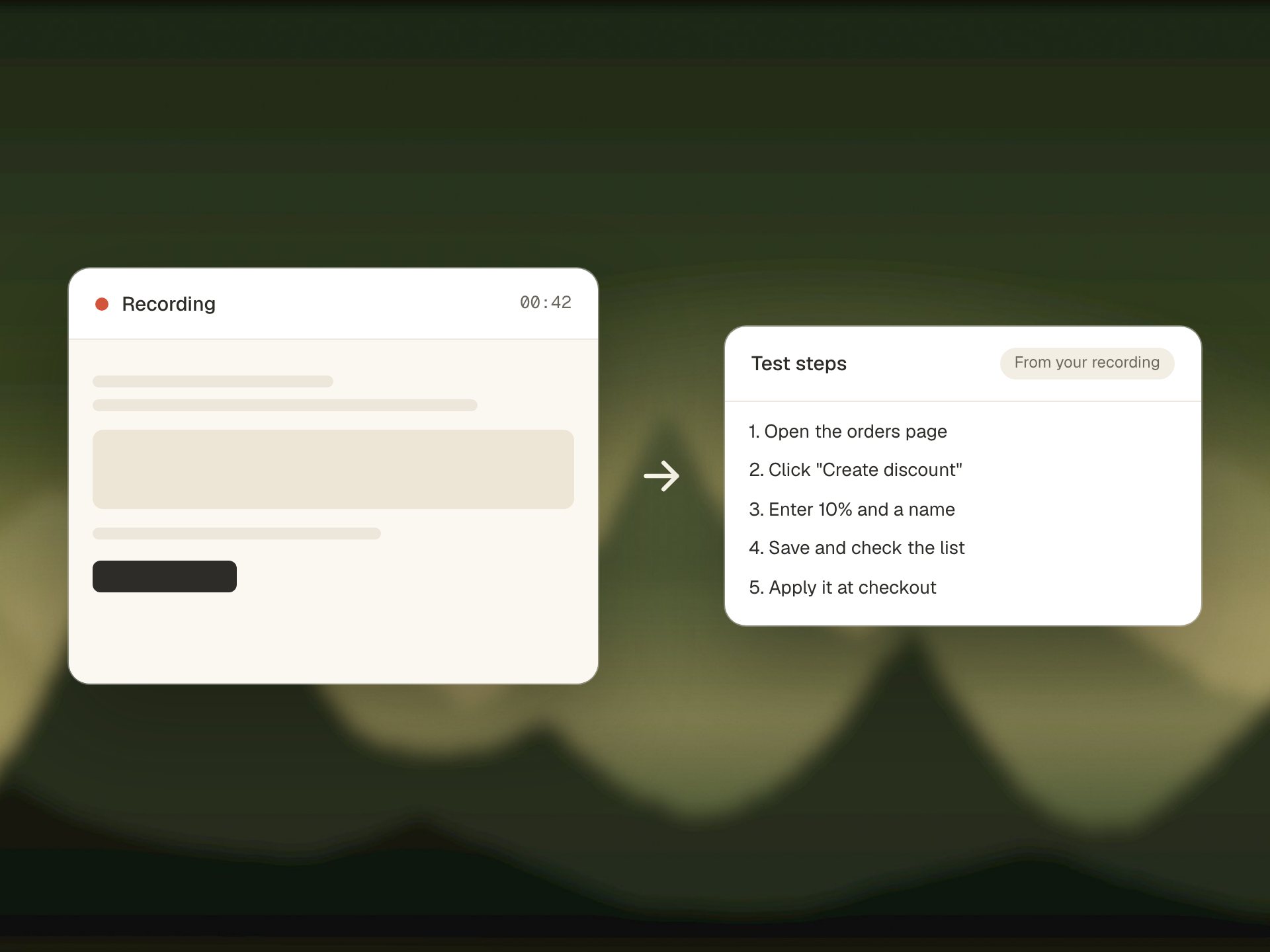
A recorded bug report can start a test
When a tester or a customer records a bug in Loom or Birdie, that recording can start a test run. The result comes back with screenshots and a short video, and our recordings can be shared in the tools your team already uses.
You build the product.
Your QA employee checks it.
Show us your app. We'll run GreatQA on a real change of yours, live on the call.